Document Path: test/decks
This document explains how file paths are resolved, including examples of relative and absolute paths for images and included Markdown files.
The following table demonstrates how to include images using relative and absolute paths.
| Relative Path Image | Absolute Path Image |
|---|---|
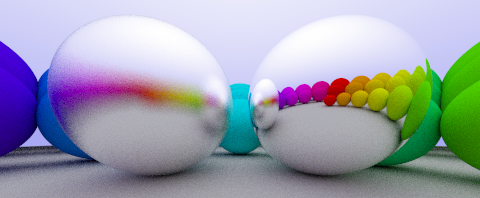
Relative Image |
/test/decks/include/06-metal.png |
# Path Resolution Documentation
**Document Path**: [:meta](documentPath)
This document explains how file paths are resolved, including examples of relative and absolute paths for images and included Markdown files.
# Image Path Examples
The following table demonstrates how to include images using relative and absolute paths.
| Relative Path Image | Absolute Path Image |
|---------------------|---------------------|
|  | !
[/test/decks/include/06-metal.png](/test/decks/include/06-metal.png) |
The paths are defined in the YAML metadata as follows:
paths:
existing-file-relative: include/06-metal.png
existing-file-absolute: /test/decks/include/06-metal.png
non-existing-file-relative: this/path/does/not.exist
non-existing-file-absolute: /test/decks/this/path/does/not.exist
The resolved values for the defined paths are:
# Resolved Path Values
The resolved values for the defined paths are:
- **Existing File (Relative)**: [:meta](paths.existing-file-relative)
- **Existing File (Absolute)**: [:meta](paths.existing-file-absolute)
- **Non-existing File (Relative)**: [:meta](paths.non-existing-file-relative)
- **Non-existing File (Absolute)**: [:meta](paths.non-existing-file-absolute)
This section includes a Markdown file to show how plain image paths are handled in external files:
# Included Markdown File {.xx-small}
This section includes a Markdown file to show how plain image paths are handled in external files:
[:include](include/path-resolution-include.md)